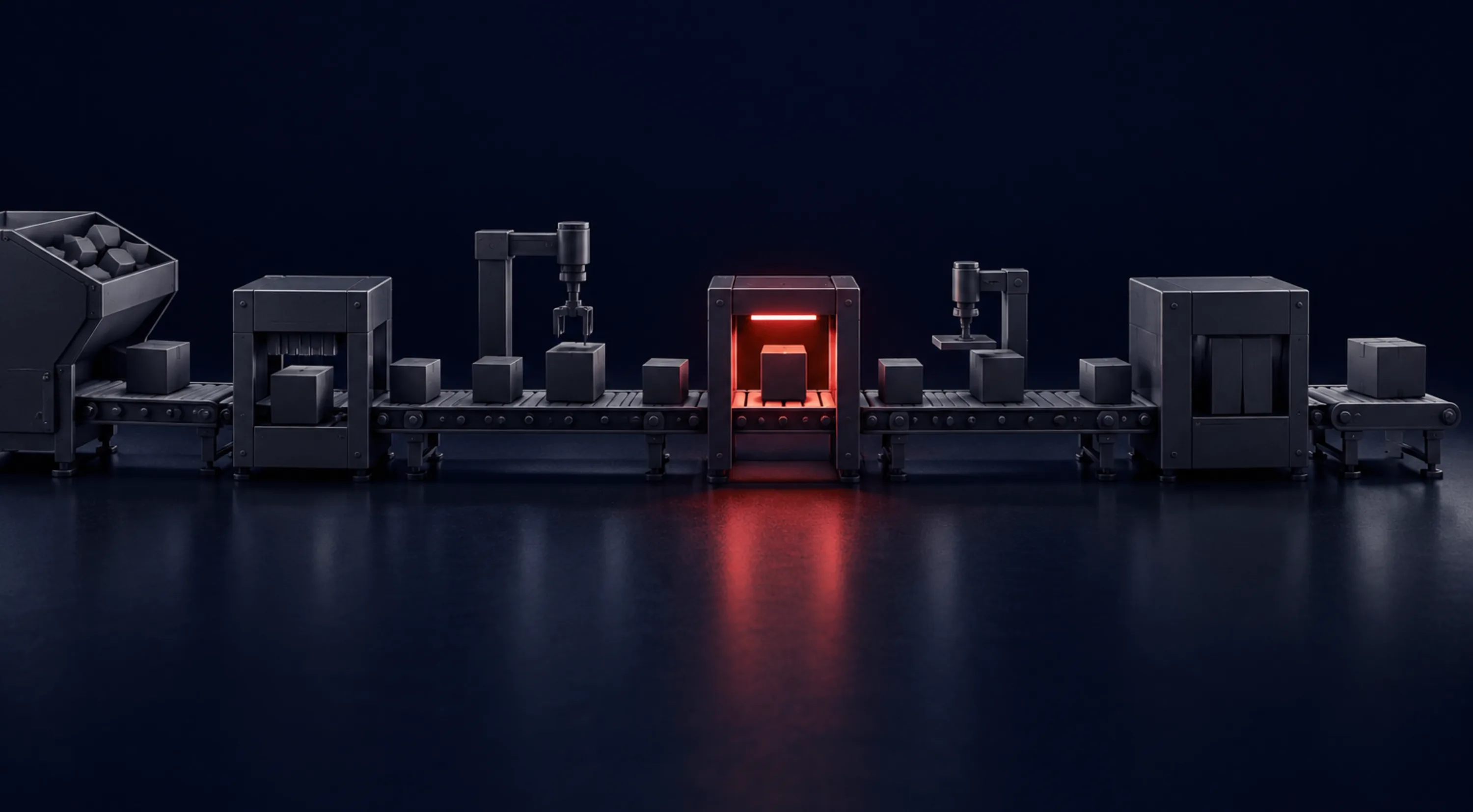
· iWork Technologies Team · AI Governance
Governing Claude Code and Codex in CI/CD: Agents Open PRs, People Merge
AI coding agents can write a lot of code quickly. This guide shows how to scope their access, gate their pull requests in CI and keep an audit trail, so nothing an agent writes reaches main without a senior engineer's review.

AI coding agents such as Claude Code and OpenAI Codex can open a pull request in minutes. That speed is useful only if the pipeline around it is strict. If an agent can push to main, read every secret in the organization or approve its own work, you have not adopted a tool. You have added an unreviewed committer.
The fix is not a new process. It is the same controls you already trust for people, applied to agents with less room for exceptions. This post walks through the setup we use when senior engineers direct agents in a client’s repositories: scoped access, protected branches, required checks, labelled changes and policy kept in code.
The rule that everything else follows from
Agents open pull requests. People merge them.
Every other control in this post exists to make that rule hard to break by accident. An agent can create a branch, commit, push and open a PR. It cannot merge, approve, change branch protection, edit CI workflows without review, or read secrets it does not need for the task.
That gives you a simple question to ask of any setup: is there any path from an agent’s keyboard to production that does not pass through a named human reviewer? If the answer is yes, close it.
Give the agent its own identity and the smallest token that works
Do not run agents under an engineer’s personal token. You lose the audit trail, and the agent inherits everything that engineer can do, including admin rights they may hold for unrelated reasons.
Instead, give agents a dedicated identity:
- A GitHub App or a machine user created for agent work, so every commit and PR shows who (or what) authored it.
- Repository-level installation, limited to the repositories in scope for the engagement. Not “all repositories.”
- Minimum permissions. For most agent work that means read and write on contents and pull requests, and read on metadata. No administration, no secrets, no environments.
- No
workflowspermission by default. A GitHub App cannot push changes to files under.github/workflows/without it. That stops an agent from quietly editing the pipeline that is supposed to check it. - Short-lived tokens. App installation tokens expire after an hour. Prefer them over long-lived personal access tokens.
- Removal on exit. When the engagement or the task ends, uninstall the app or revoke the user. Access lives in your organization, so you can see and revoke it yourself.
Local agent sessions need the same thinking. An engineer running Claude Code or Codex on a laptop should work from a clone with no production credentials in the environment, and the agent should be configured to ignore secret files such as .env and key stores.
Protect the branch so the rule is enforced, not hoped for
Branch protection (or a repository ruleset) is where “people merge” becomes a hard control. The settings that matter most for agent work:
- Require a pull request before merging. No direct pushes to
main, including from admins. - Require at least one approving review, with code owner review for sensitive paths.
- Dismiss stale approvals when new commits are pushed, so an approval covers the code that actually merges.
- Require approval of the most recent push, so the last person (or agent) to push cannot be the one who approves.
- Require the status checks listed below to pass, on a branch that is up to date with
main. - Require conversation resolution, linear history, and block force pushes and branch deletion.
Here is an illustrative example, not a client’s configuration: a branch protection body you could apply with gh api --method PUT repos/OWNER/REPO/branches/main/protection --input protection.json.
{
  "required_status_checks": {
    "strict": true,
    "contexts": ["test", "sast", "dependencies", "secrets", "agent-provenance"]
  },
  "enforce_admins": true,
  "required_pull_request_reviews": {
    "required_approving_review_count": 1,
    "require_code_owner_reviews": true,
    "dismiss_stale_reviews": true,
    "require_last_push_approval": true
  },
  "restrictions": null,
  "required_linear_history": true,
  "allow_force_pushes": false,
  "allow_deletions": false,
  "required_conversation_resolution": true
}
The contexts must match the job names your workflow reports. If you rename a job, update the protection rule, or the PR will wait forever for a check that never runs.
Pair this with a CODEOWNERS file so the paths that control the pipeline need an owner’s approval:
# Illustrative CODEOWNERS example
/.github/            @your-org/platform-owners
/infra/              @your-org/platform-owners
/src/auth/           @your-org/security-reviewers
Make CI the second reviewer
A human reviewer should spend their attention on design, intent and edge cases. CI should catch everything a machine can catch first. For agent-authored PRs, the required checks we start with are:
- Tests, including the new tests the agent wrote and the existing suite it must not break.
- Lint and type checks, so style and obvious type errors never reach review.
- Static analysis (SAST) for injection, unsafe deserialization and similar patterns.
- Dependency review, because agents add packages readily and a new dependency is a supply-chain decision.
- Secret scanning on the diff and history, in case something sensitive slipped into a commit.
- A provenance check, so agent-authored work is labelled before it can merge.
Below is an illustrative GitHub Actions workflow, not a client’s pipeline. It assumes a Node.js project and agent branches named agent/.... Swap the build steps and scanners for the ones your stack already uses. Some of these actions need extra features enabled on private repositories, so check your GitHub plan before you rely on them.
name: pr-checks

on:
  pull_request:
    branches: [main]
    types: [opened, synchronize, reopened, labeled, unlabeled]

permissions:
  contents: read

jobs:
  test:
    runs-on: ubuntu-latest
    steps:
      - uses: actions/checkout@v4
      - uses: actions/setup-node@v4
        with:
          node-version: 20
          cache: npm
      - run: npm ci
      - run: npm run lint
      - run: npm test -- --ci

  sast:
    runs-on: ubuntu-latest
    permissions:
      contents: read
      security-events: write
    steps:
      - uses: actions/checkout@v4
      - uses: github/codeql-action/init@v3
        with:
          languages: javascript-typescript
      - uses: github/codeql-action/analyze@v3

  dependencies:
    runs-on: ubuntu-latest
    steps:
      - uses: actions/checkout@v4
      - uses: actions/dependency-review-action@v4
        with:
          fail-on-severity: high

  secrets:
    runs-on: ubuntu-latest
    steps:
      - uses: actions/checkout@v4
        with:
          fetch-depth: 0
      - uses: gitleaks/gitleaks-action@v2
        env:
          GITHUB_TOKEN: ${{ secrets.GITHUB_TOKEN }}

  agent-provenance:
    runs-on: ubuntu-latest
    steps:
      - name: Agent branches must carry the agent-authored label
        if: startsWith(github.head_ref, 'agent/')
        env:
          HAS_LABEL: ${{ contains(github.event.pull_request.labels.*.name, 'agent-authored') }}
        run: |
          if [ "$HAS_LABEL" != "true" ]; then
            echo "::error::PRs from agent/ branches need the agent-authored label."
            exit 1
          fi
A few details in that file do real work:
permissions: contents: readat the top sets the default token to read-only. Only the SAST job gets the extra permission it needs to upload results.pull_request, notpull_request_target. The PR’s code runs without access to your repository secrets. Do not switch topull_request_targetfor agent branches unless you fully understand what that exposes.- The provenance job reruns on label changes, so removing the label after the fact fails the check again.
Label agent work so the audit trail writes itself
When an auditor, an incident responder or a new team member asks “which changes did an agent write, and who approved them?”, the answer should come from a query, not from memory.
Three habits make that possible:
- Branch naming. Agents work on
agent/<ticket>-<short-description>branches. It is easy to enforce and easy to search. - A PR label.
agent-authoredon every PR an agent produced, checked in CI as shown above. - Commit trailers. A trailer in the commit message names the tool and the accountable engineer. Claude Code can add a co-author trailer to its commits; whatever tool you use, make the convention explicit.
An illustrative commit message:
fix: handle empty invoice lines in export

Skip lines with zero quantity before totalling, and add tests for the
empty and single-line cases.

Agent: claude-code
Directed-by: @senior-engineer
Ticket: PROJ-1234
Together with the required approval, this gives you a traceable chain: ticket, agent, branch, commits, checks, named reviewer, merge, deploy.
Keep the policy in code
Settings changed by hand in a web console drift. Someone loosens a rule “for one hotfix” and it never comes back. Treat governance as code:
- Manage branch protection or rulesets with infrastructure as code (for example, the Terraform GitHub provider), reviewed like any other change.
- Keep
CODEOWNERS, workflow files and agent configuration in the repository, where changes need a PR and an owner’s approval. - Use policy checks for infrastructure changes. Tools such as Open Policy Agent with Conftest can fail a PR that opens a public bucket or widens a security group, whoever wrote it.
- Store agent instructions in the repo. Files such as
CLAUDE.mdorAGENTS.mdtell agents the project’s conventions and limits. Because they are versioned, you can see when a rule changed and who approved it.
Policy in code also makes your controls portable. When a new repository joins the engagement, it gets the same protection from day one.
What this does not replace
None of this replaces judgment. CI can prove tests pass. It cannot prove the tests check the right thing. A reviewer still has to read the diff, question the design and ask whether the change does what the ticket meant.
That is why we put the review gate with senior engineers. Agents write the volume. People own the decision to ship.
Where to start
Pick one repository and check it against this list: a dedicated agent identity with the minimum permissions, branch protection that blocks direct pushes and self-approval, the six required checks, and a label or trailer on every agent-authored change. The gaps usually show up within an hour.
If you want a second pair of eyes, book a Free AI Readiness Audit. We will look at how agents are, or could be, working in your repositories and where the controls need tightening. For how we handle access, IP and AI tools on client code, see our security page.